Free and open source. Windows 10 22H2 or Windows 11 (x64)
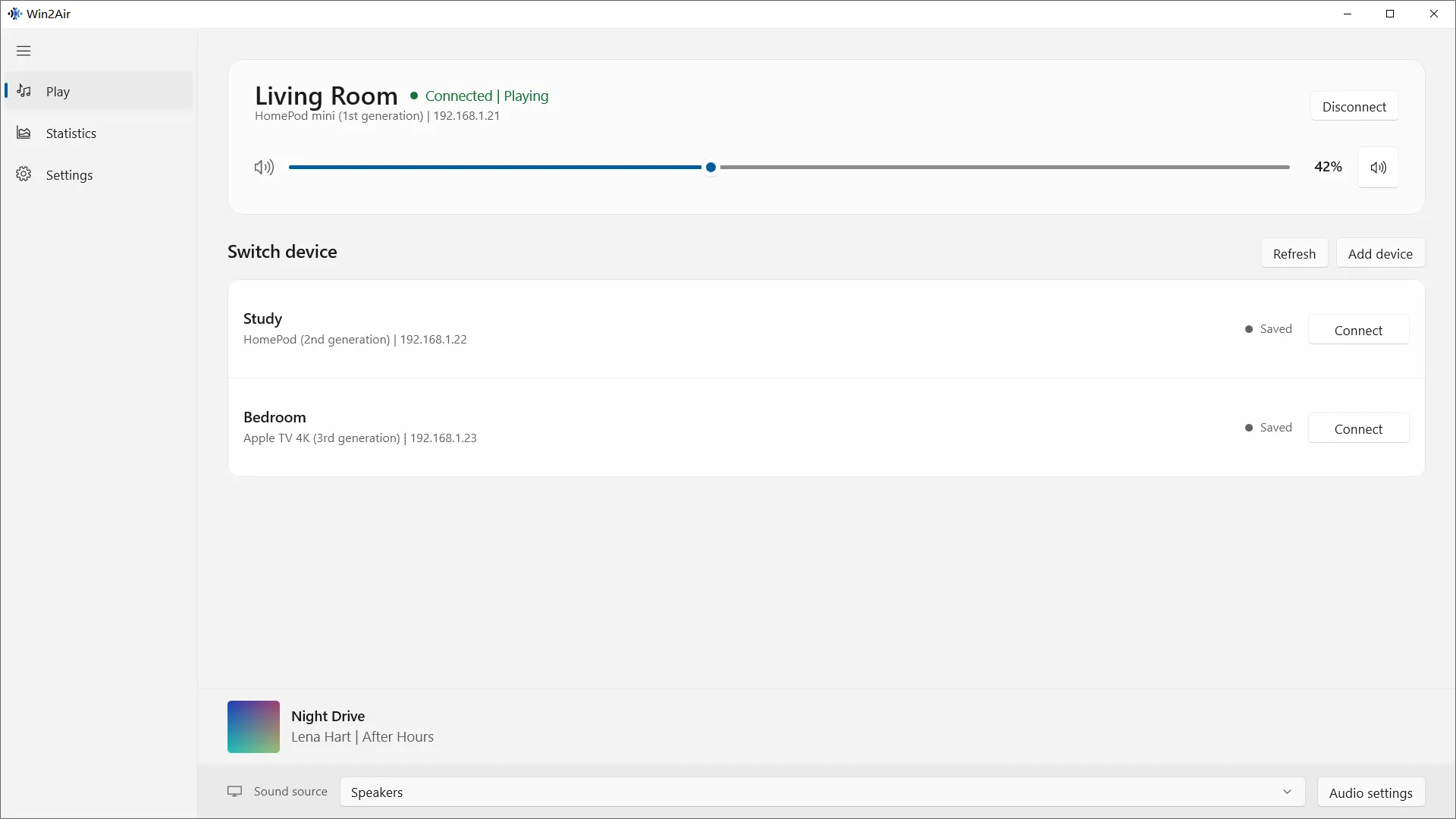
Find a receiver on your local network, or add its address. Connect to send your system audio, then adjust the volume or mute from Win2Air.
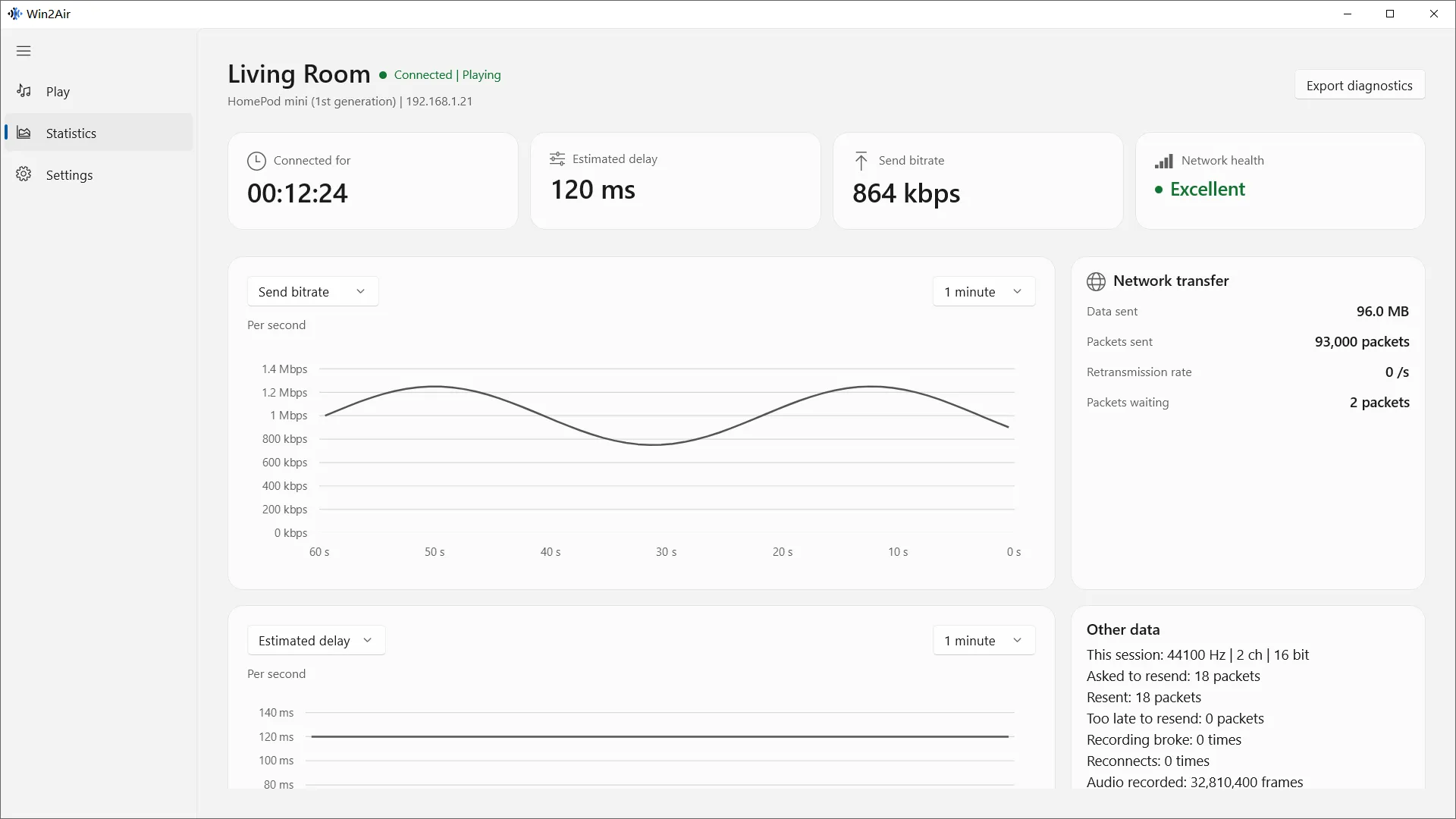
Follow the stream.
View bitrate, estimated delay, and network health. Charts and connection events help you follow the stream over time.
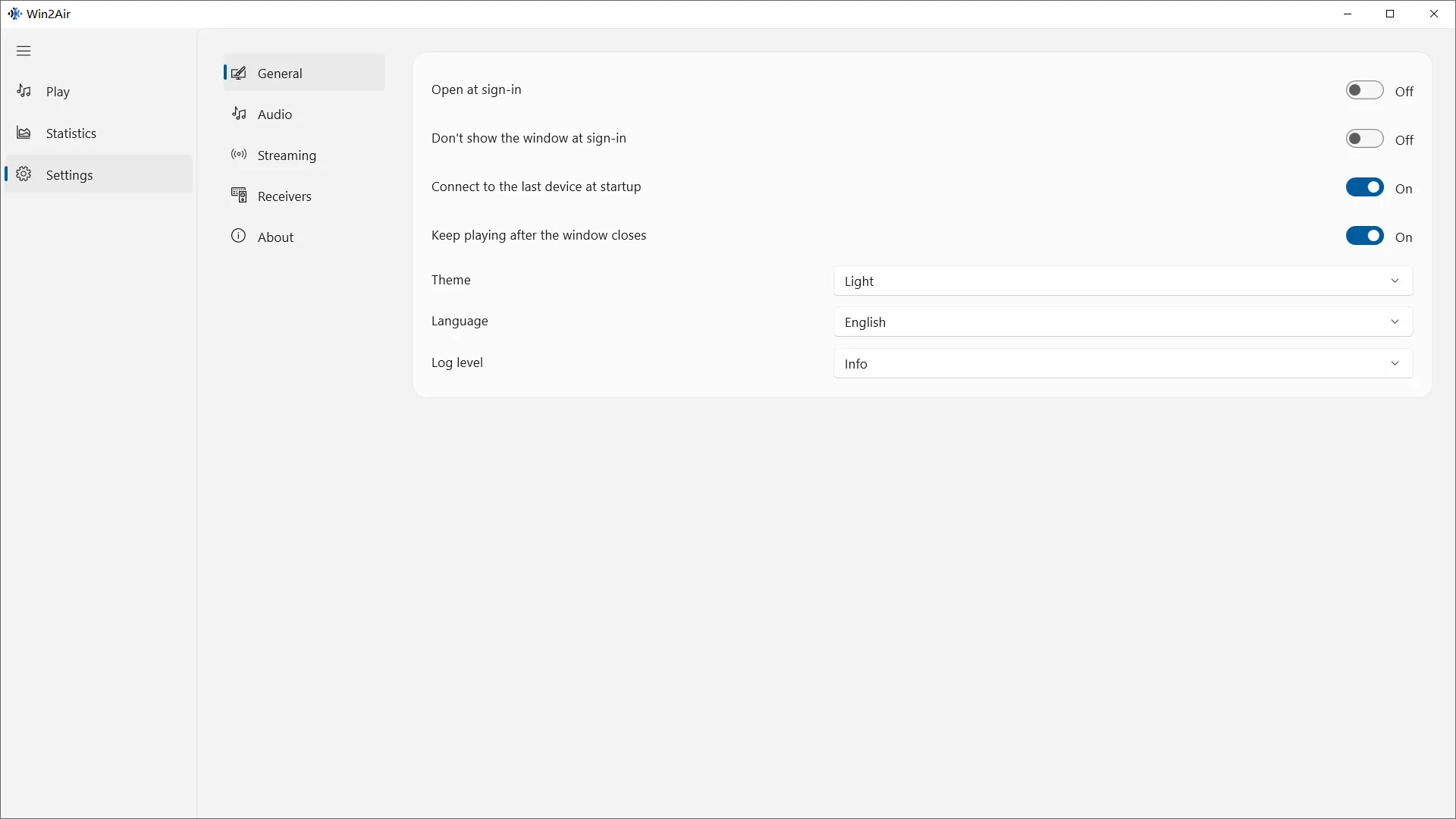
Fits your setup.
Choose the audio output to capture and whether to keep sound playing on your PC. Set your language and theme, and manage the connection from the system tray.
Before you connect
Keep your PC and AirPlay receiver on the same local network.
Install Win2Air, keep your PC and HomePod on the same local network, then select HomePod and connect. Audio from your selected Windows output is sent to HomePod. Enter a pairing code or password if the receiver requests one.
Can I play browser audio and music from Windows on HomePod?
Yes. Win2Air captures system audio from the selected Windows output. Keep using your browser or music player; audio routed to that output is sent to the receiver.
Is Win2Air free and open source?
Yes. Win2Air is free to use, with source code on GitHub under GPL-3.0-or-later. You can inspect, modify, and build it under that license.
Which receivers can I use?
HomePod, a Mac with AirPlay Receiver turned on, and other compatible AirPlay audio receivers.
Do I need a microphone?
No. Win2Air captures system audio from a Windows audio output device.
Can I connect more than one receiver?
Win2Air sends audio to one receiver at a time.
Does it send video?
Win2Air sends audio only.
Does it support Windows on ARM?
The current version requires x64 Windows 10 22H2 or Windows 11.