

What is MarkEXIF?
A photo parameter frame tool. It reads EXIF and matches brand logos to build a frame.
Frames for the story behind the photo.


macOS, iOS, and Windows
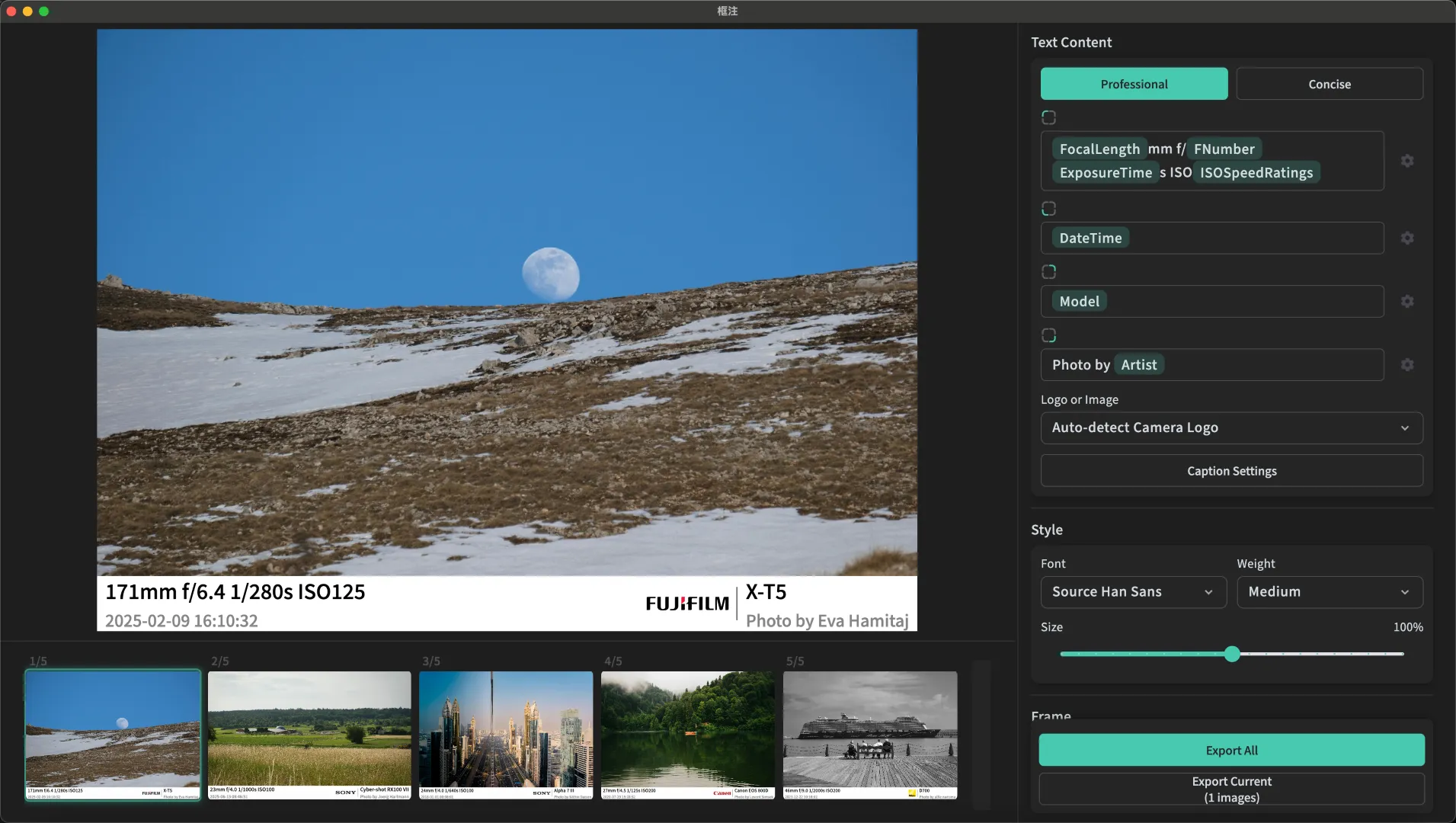
Drop in a photo. MarkEXIF reads camera, lens, aperture, shutter, ISO, and time. Model names are cleaned up — ILCE-7RM5 becomes Alpha 7R V. Export one file or a batch, PNG or JPEG, with EXIF kept if you want it.

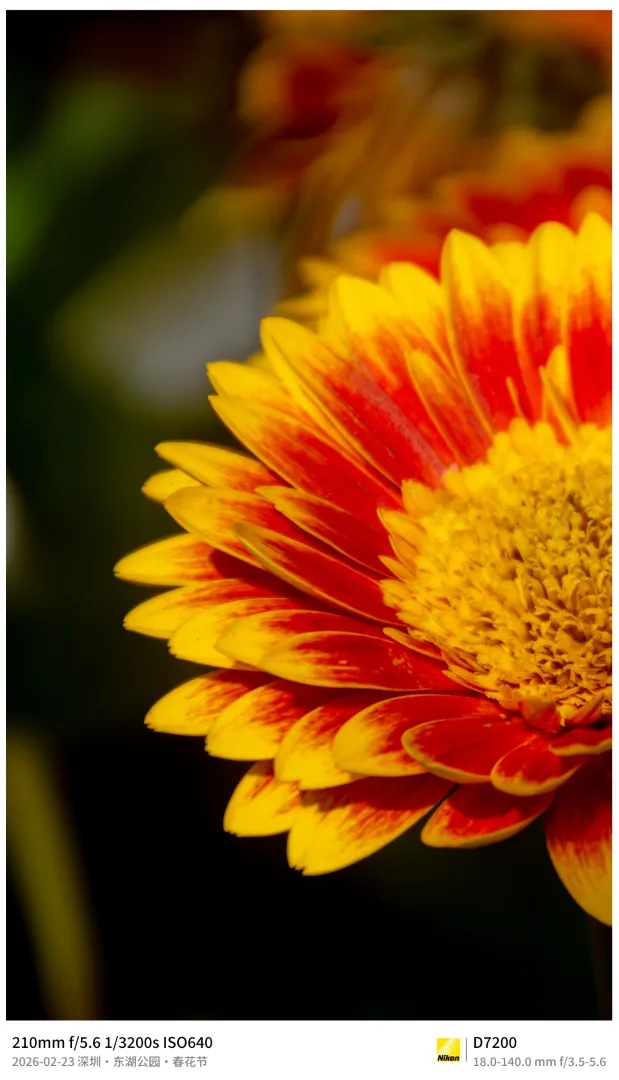

Supports Canon, Nikon, Sony, Fujifilm, Leica, and other common brands.
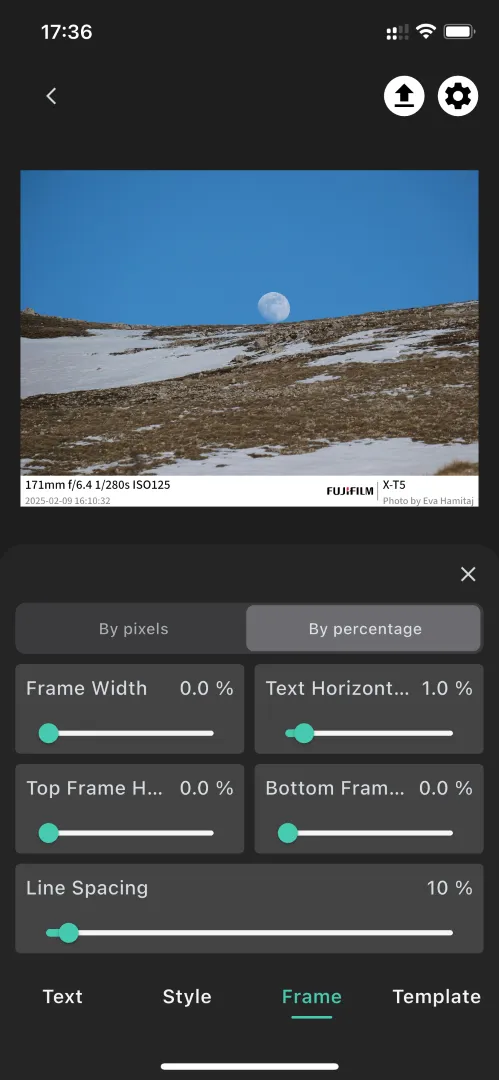
Use a preset, or compose the four caption corners yourself. Border, type, and color can be set in pixels or percentages, then saved as a template.
iPhone, Mac, and Windows, each with its own layout. Six languages follow the system.
Photos are never uploaded.
EXIF reading, layout, and export all happen on the device.
Import from Photos or Files.
Read EXIF, match logos, set the layout.
PNG or JPEG, with EXIF kept if you want it.
macOS, iOS, and Windows
A photo parameter frame tool. It reads EXIF and matches brand logos to build a frame.
iOS, macOS, and Windows. iPhone and Mac are on the App Store; Windows is on the Microsoft Store.
Canon, Nikon, Sony, Fujifilm, Leica, Hasselblad, Apple, DJI, Panasonic, Olympus, Sigma, Ricoh, Pentax, Samsung, and more.
Yes. Import many photos and export PNG or JPEG in one pass, with optional EXIF preservation.
Yes. Processing stays on the device. Photos are not uploaded.